
Getting Started
Install the app
You can download C.Scope Desktop Relay from the c.scope website.
Download the installer,
Open the installer (DesktopRelayOnlineInstaller.exe or DesktopRelayOfflineInstaller.exe) from where you downloaded it, which is usually the Downloads folder.
Follow the instructions provided by the installer. You can accept all the default options unless you have specific requirements.
Open the app
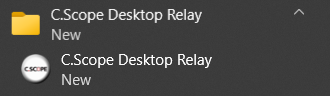
Start C.Scope Desktop Relay from the Start menu on your computer.
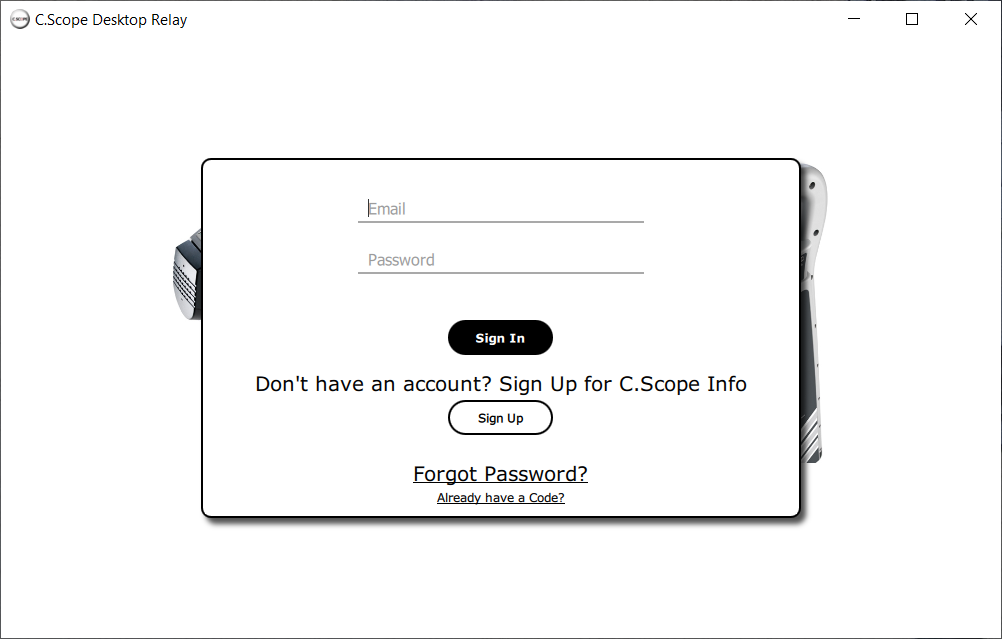
You will be prompted to sign in to your cscope.info account.
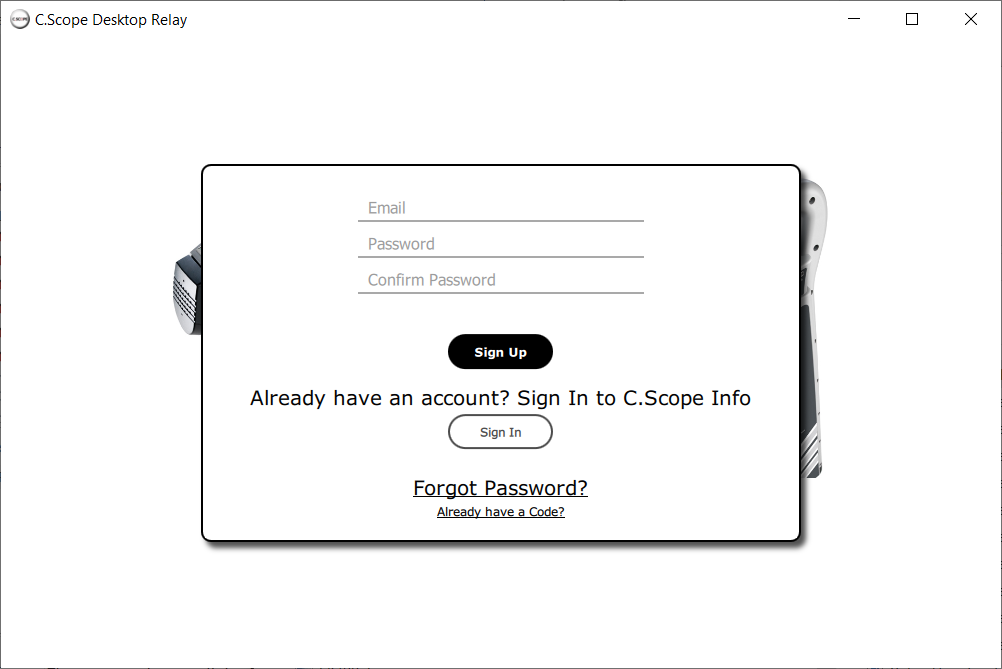
Sign in if you already have an account. If you don't have account sign up for a new one.
|
|
|
To create a new account enter an email address and a password with at least eight characters which must include a number and a special character. You will be emailed a code to verify your email address. |
|
|
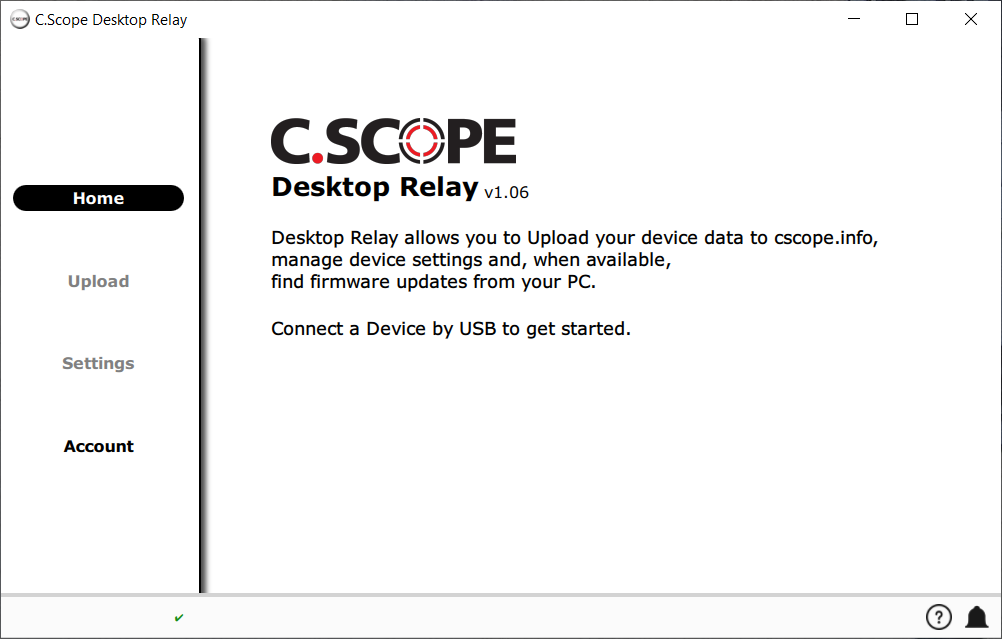
Connect your locator or transmitter with a USB cable. C.Scope locators and transmitters use a cable with a Mini-B USB connection. A cable will have been provided with your locator or transmitter. If you need to buy a cable contact us. |
|
|
For further instructions on how to upload data from your locator or transmitter see Upload.