Upload
The Upload function sends data from your locator to your laptop or PC and uploads it to cscope.info. All your online charts, maps and documents will be updated and shared as the data is uploaded.
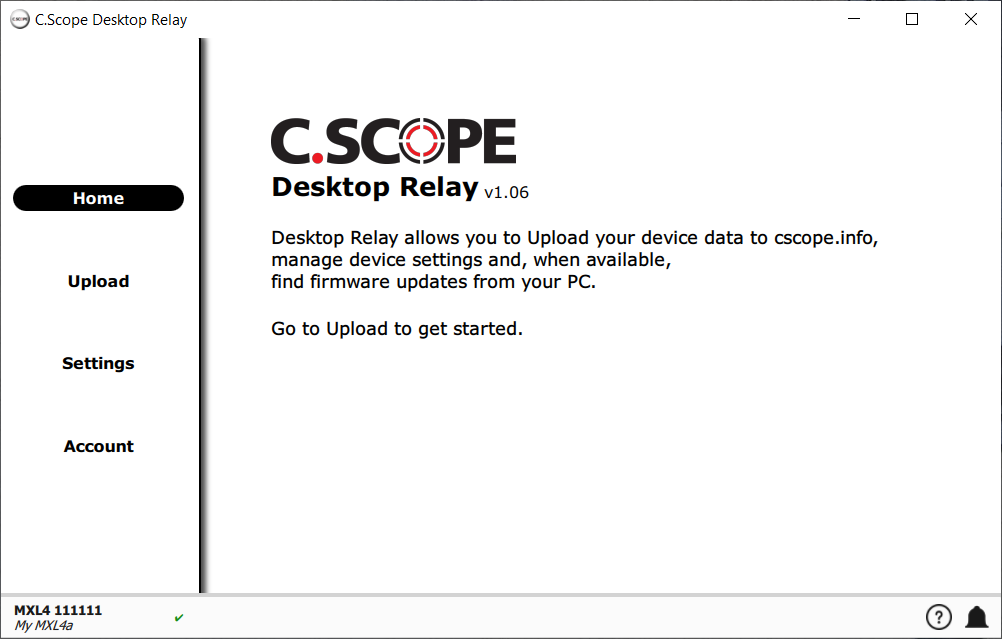
To upload data as connect your device and then choose
|
|
|
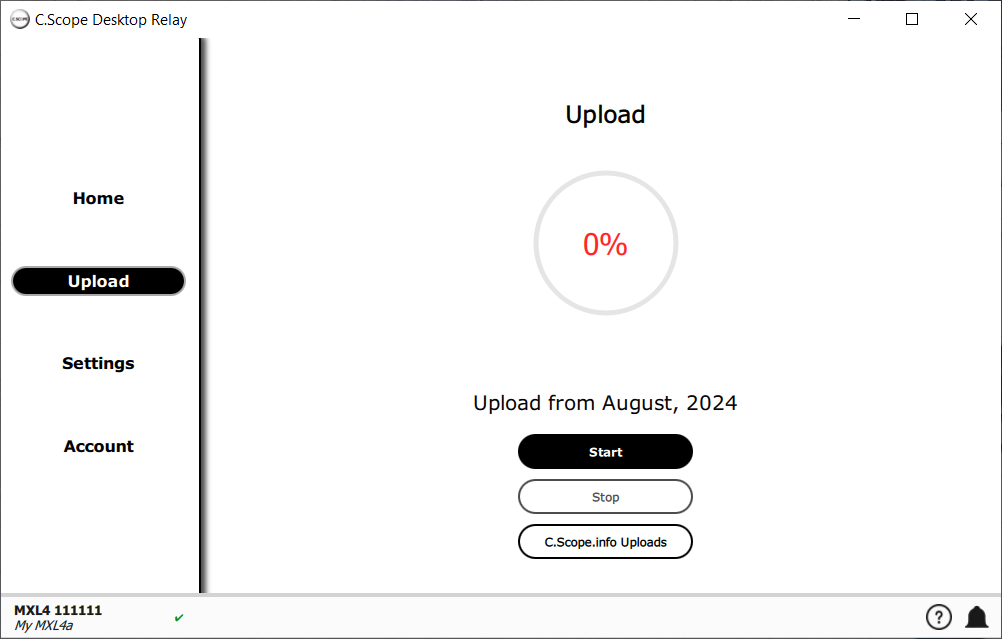
By default Desktop Relay will upload data from the last month. You can change the amount of data uploaded by changing the Upload Range in Settings. To start the upload choose Desktop Relay will copy data from your device and will upload it to cscope.info.The progress of the upload is shown in the ring in the centre of the screen. |
|
|
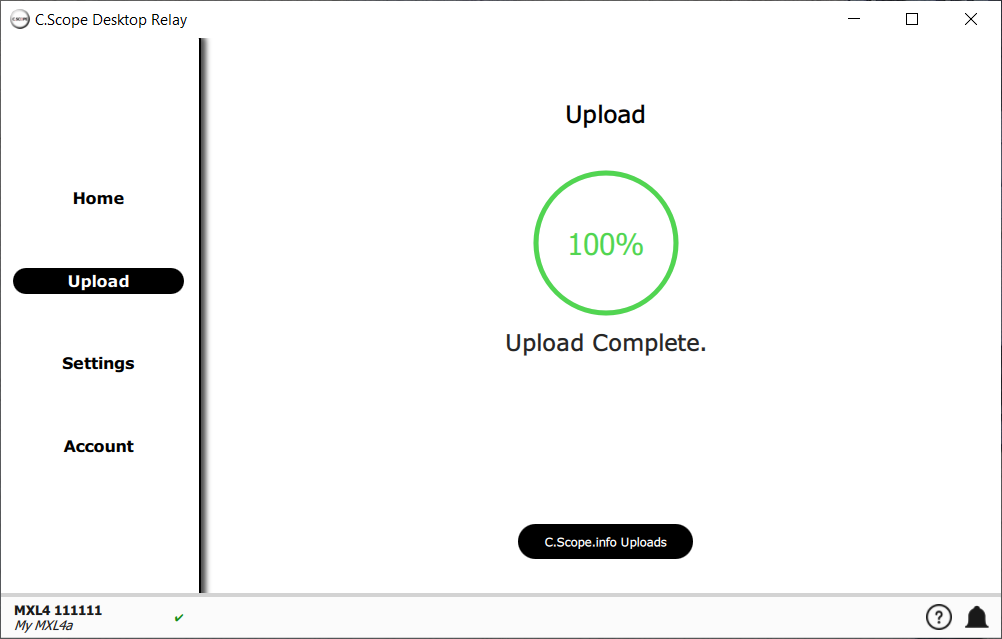
When the upload is complete the progress indicator will show 100% and you will have the option to view your data on cscope.info. Choose to be shown your data on cscope.info. |
|