Settings
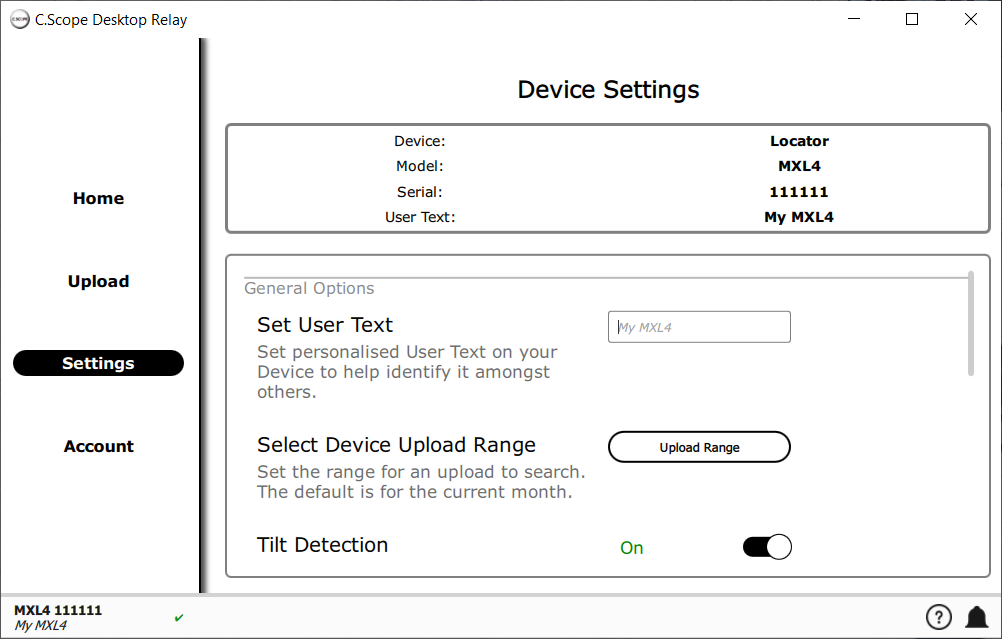
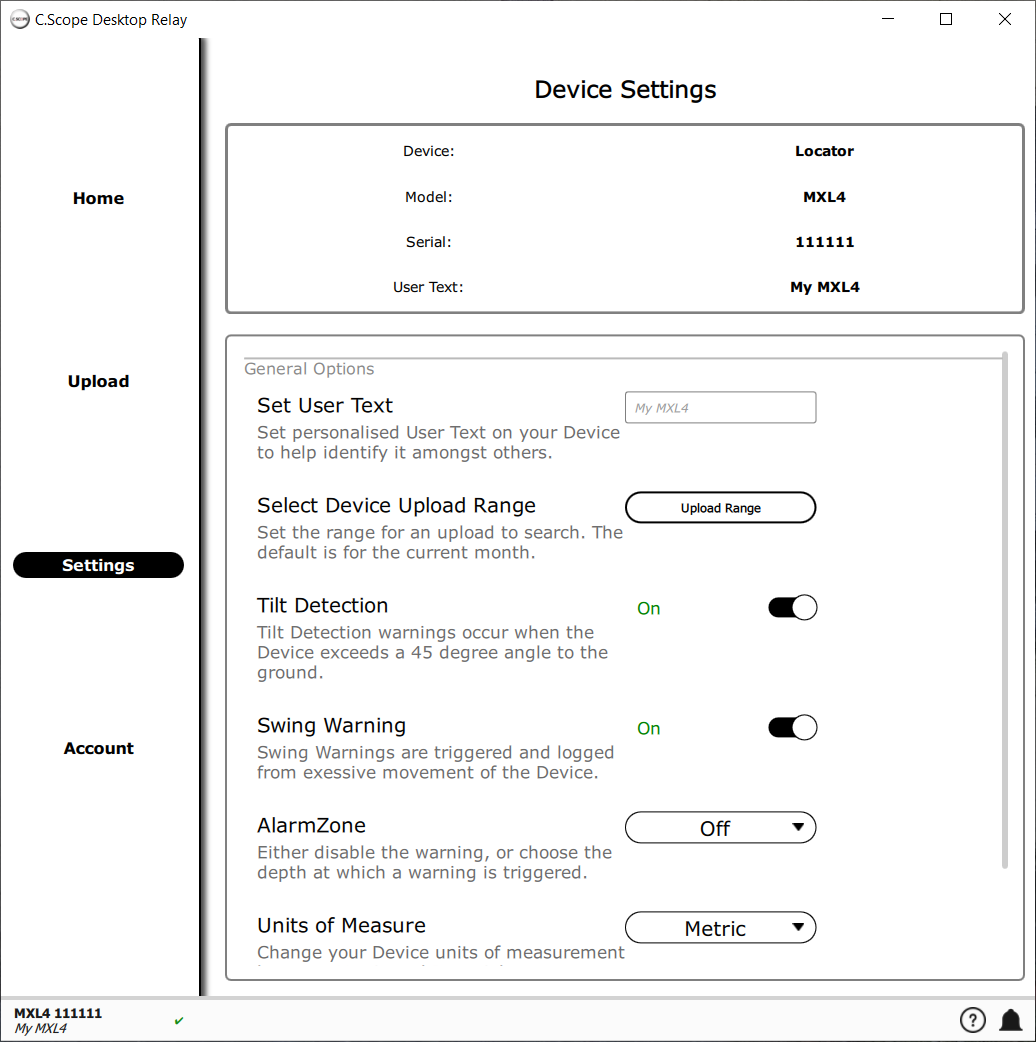
The Settings screen allows you to change settings on your device and the settings for the upload to cscope.info. Any changes you make in the Settings screen are sent to your device immediately, there's no need to save or confirm the changes.
To see the Settings screen choose |
|
|
You can change the User Text on your device by entering it in the "Set User Text" dialog. Changes will be effective on the device immediately. |
|
|
Upload Range changes how far back in time Desktop Relay looks for data on your device. |
|